Proposals and quotes
that look expensive.
AI writes the scope, pricing, and terms in a senior estimator's voice. Pick a template. Your client signs online.
Built for the trades, and the way they actually quote jobs. Every proposal carries the scope, allowances, and exclusions your industry expects, as a real PDF, not a template you have to fight with.
Watch a job become a signed contract
One flow, from the driveway to a recorded acceptance. This is the tool, start to finish.
Type what you'd tell your estimator
Pick the trade, describe the job in plain language, add your numbers. That is the whole form. Most contractors fill it in from the truck in about 3 minutes.
Job Details
…or just say it
Some jobs get priced in the truck, not at a desk. Tap the mic, talk the job out loud while it's fresh, and review the transcript. The form fills itself. Voice input is included on every plan, free included.
Talk through the job while it's fresh: scope, materials, your price.
Job Details
Guided interview
…or let it ask you
Not sure where to start? The guided interview asks what a proposal needs, one question at a time. Answer out loud or type. If you don't have the price yet, tap I don't know yet and fill it in later. Included on every plan, free included.
Stopped halfway? It picks up where you left off for 24 hours. Recordings are never stored.
Proposal
Residential Roof Replacement
Prepared for James & Sarah Miller
Scope of Work
Tear off existing two layers of asphalt shingles down to wood decking; inspect decking for soundness.
Install GAF WeatherWatch ice and water shield at all eaves and valleys per IRC R905.1.2.
Install GAF Timberline HDZ architectural shingles using the 6-nail high-wind pattern.
Install Cobra ridge vent along the full ridge for balanced attic ventilation.
Investment
The AI writes the whole document
Scope of work with real specs, materials by brand, exclusions that protect you, payment schedule, warranty. Written in your trade's language in about a minute, and every section stays editable before it goes out.
Pro
Signed. Right on the line.
You send one link, not an attachment. Your client opens it on any phone, taps accept, and their name lands on the signature line as a real signature, dated and recorded. You get notified the moment it happens.
Ready to move forward?
By accepting below, you confirm you have read and agree to the terms of this proposal.
Accepted by (Contractor)
Apex Roofing & Construction
Accepted by (Client)
July 6, 2026 · Accepted online
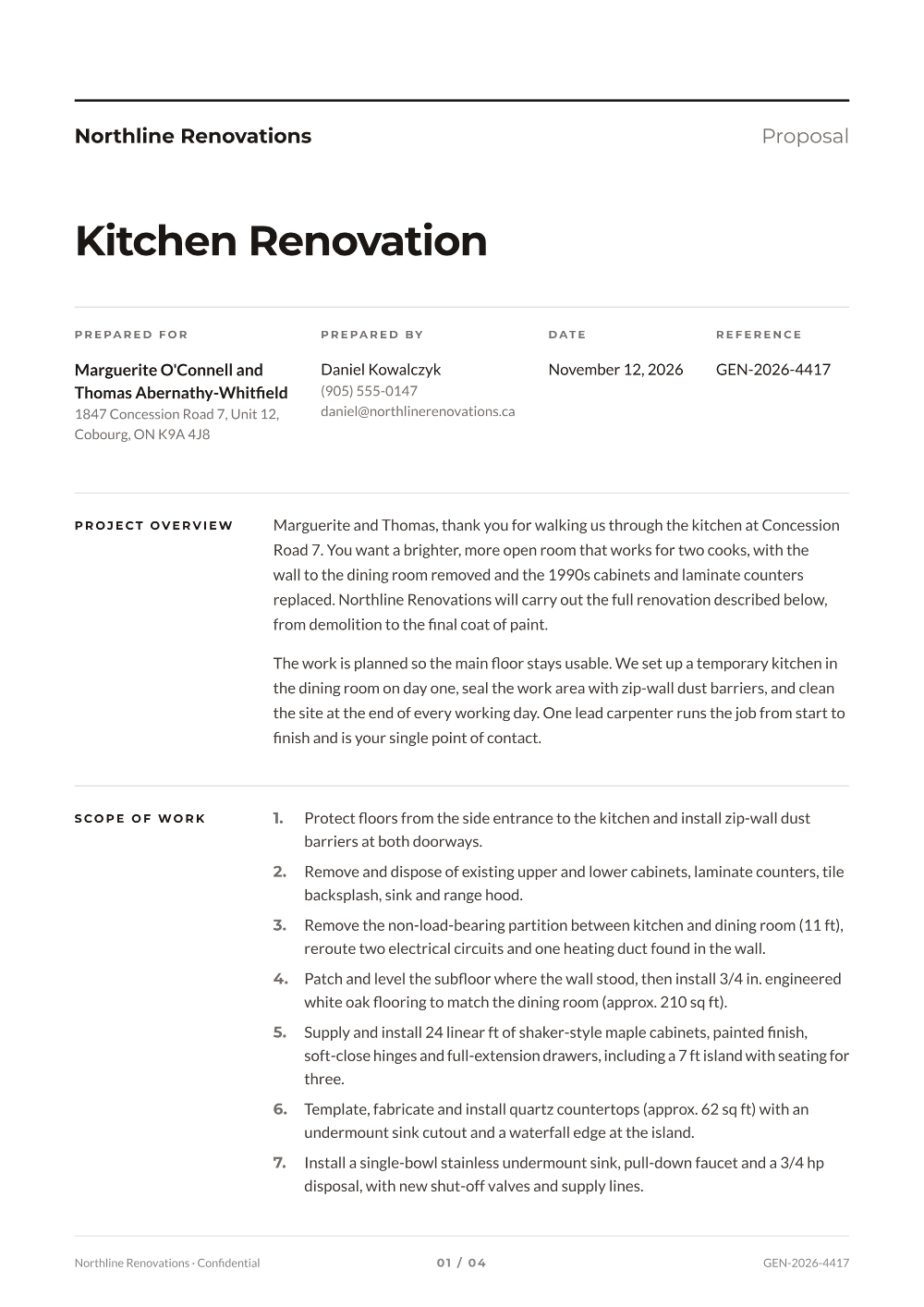
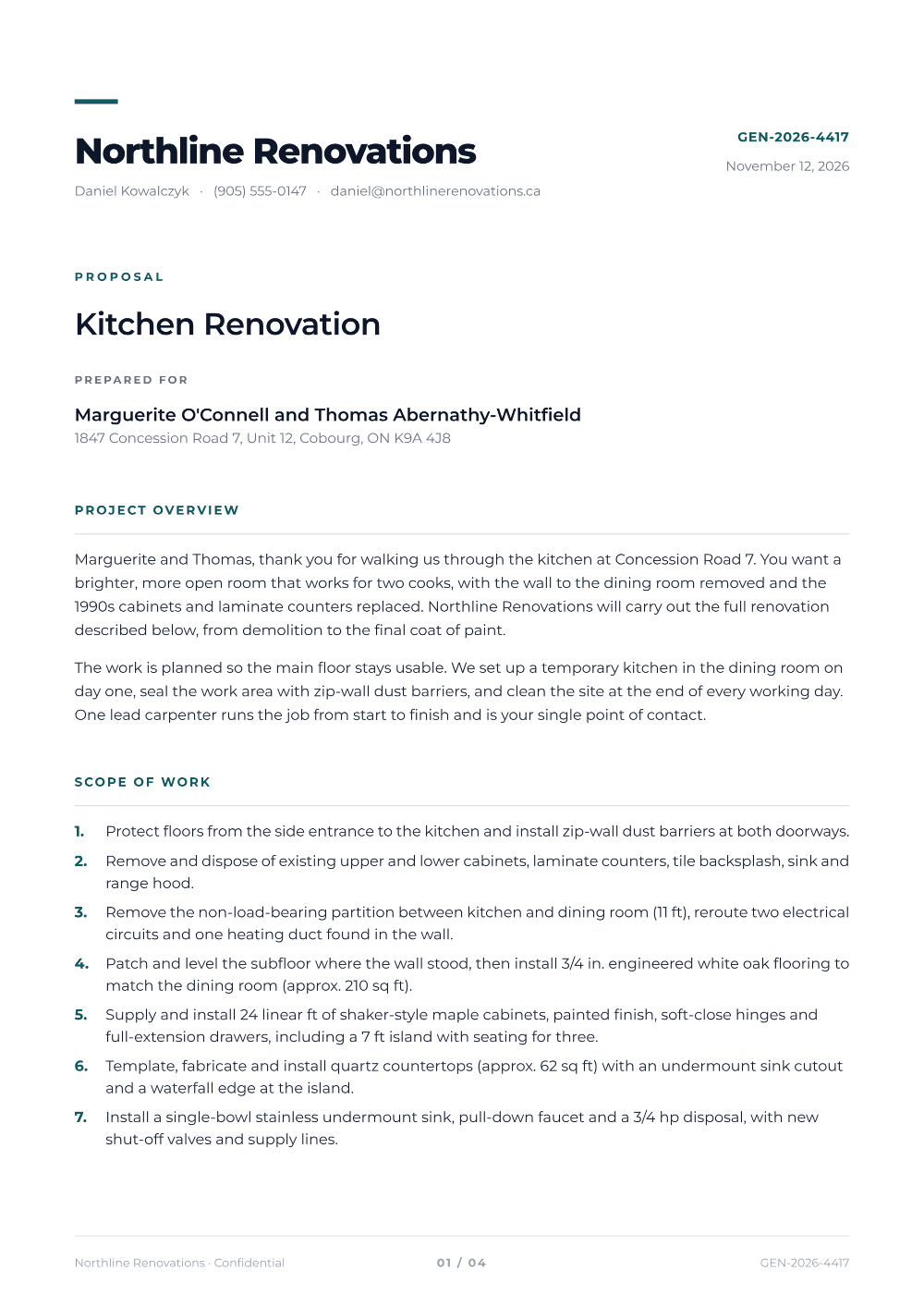
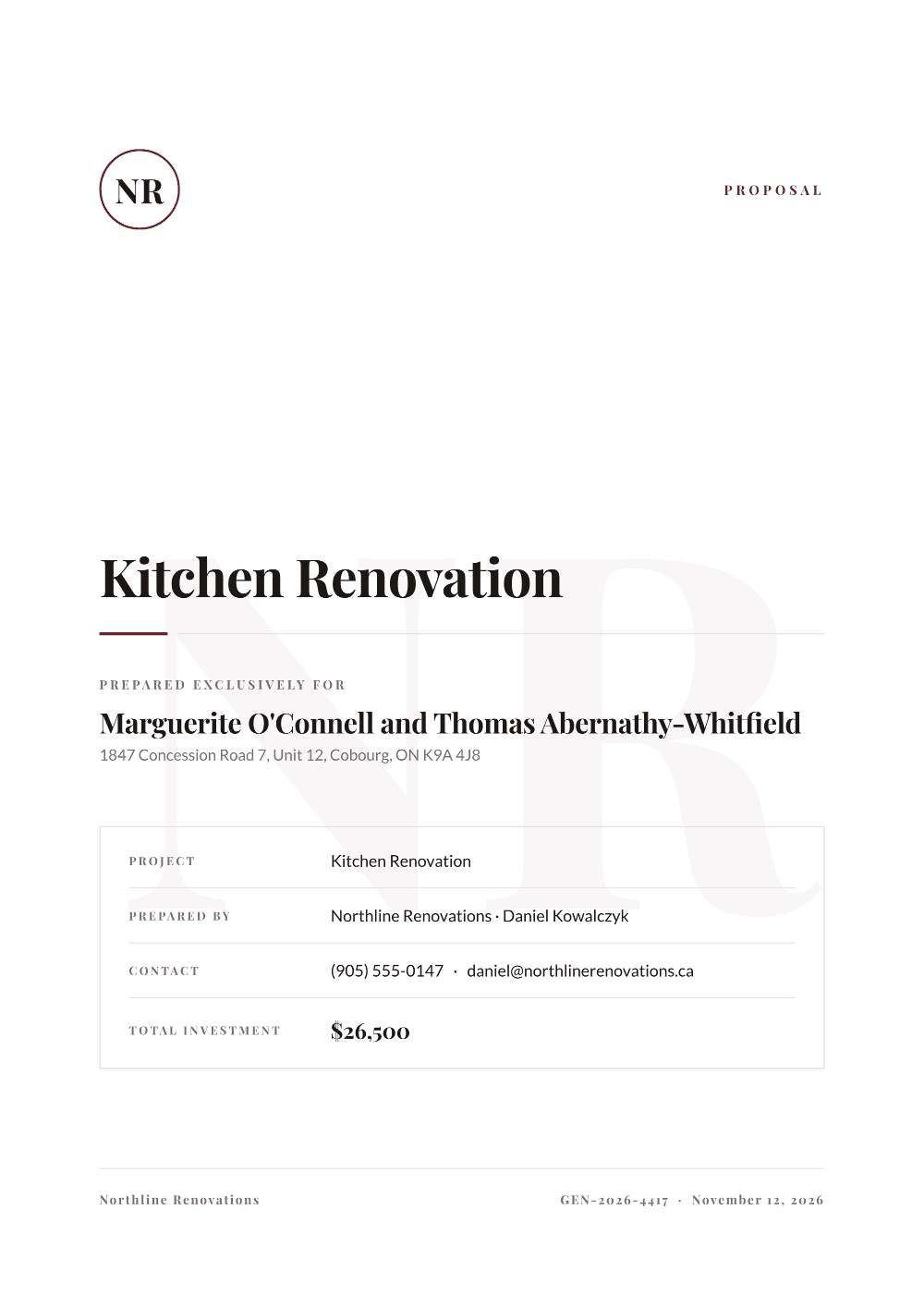
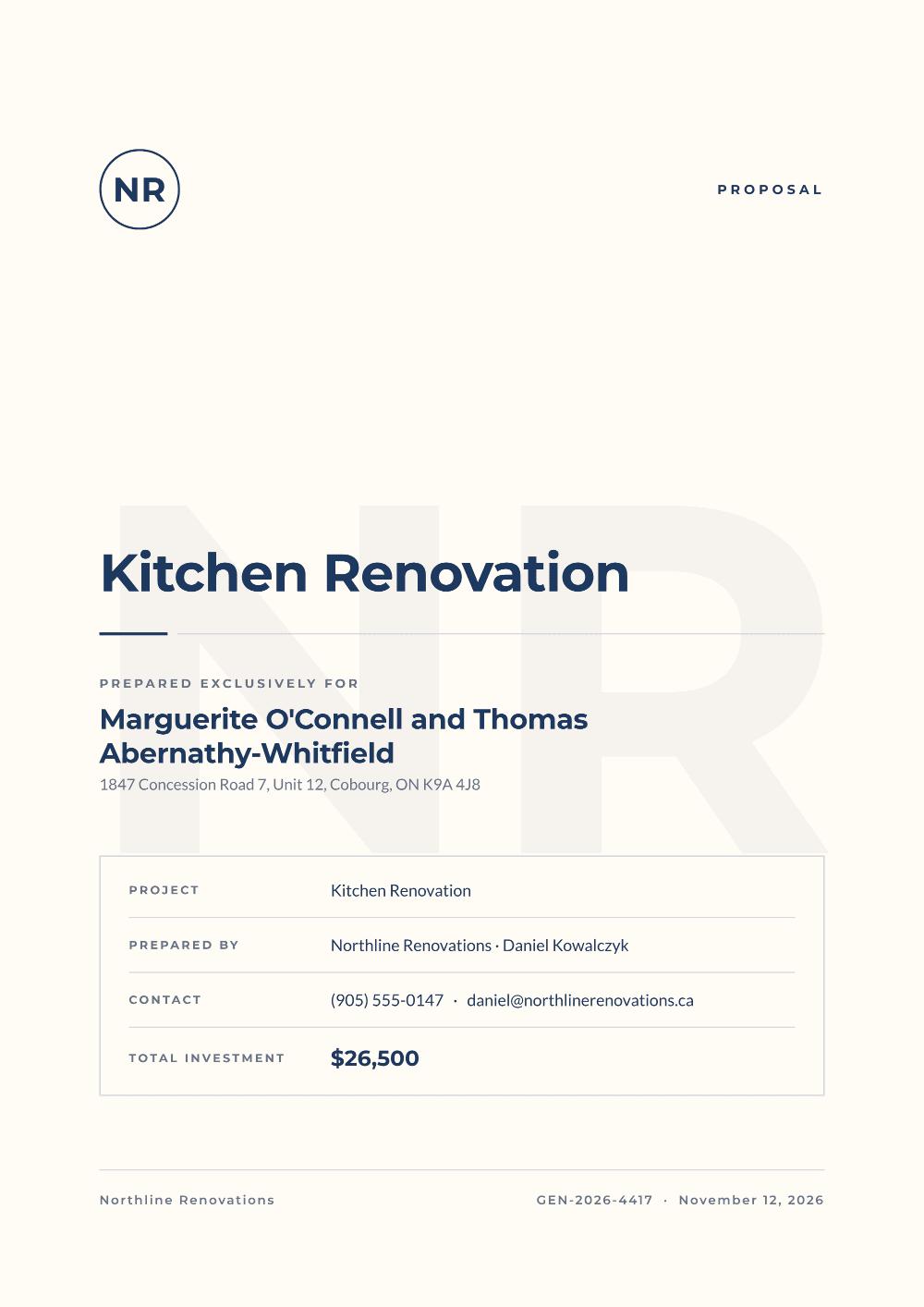
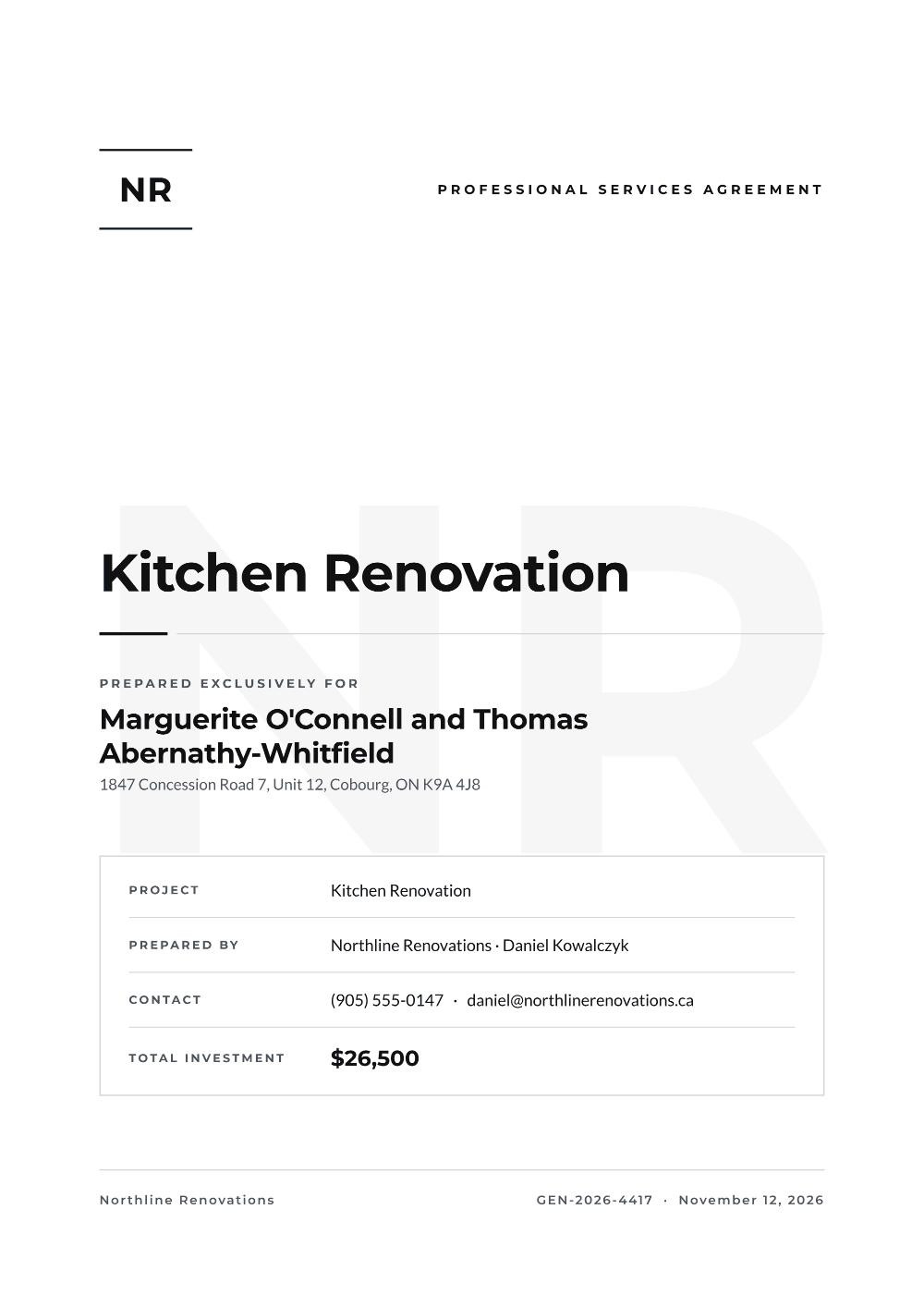
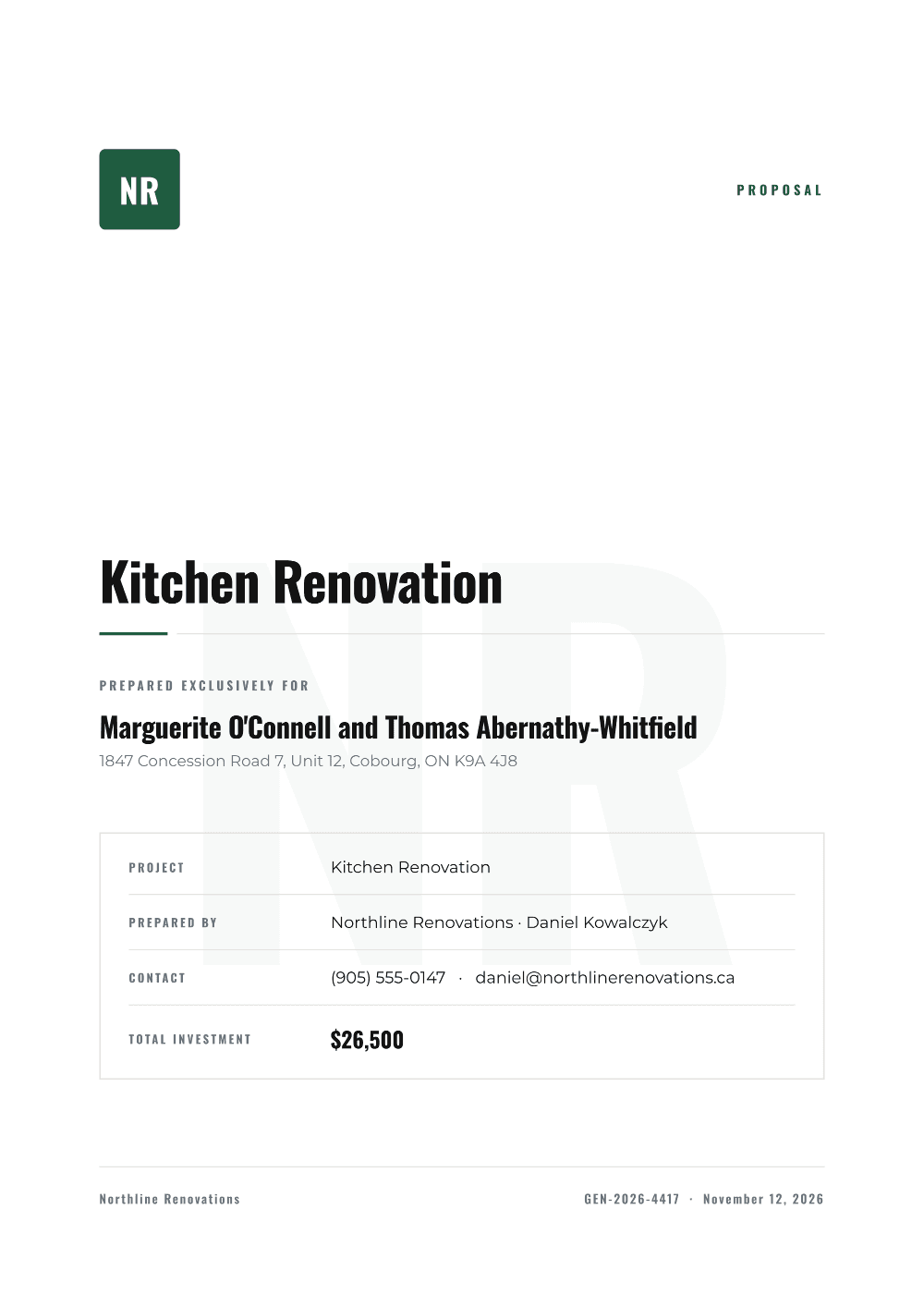
Six real templates
See exactly what your clients receive
Every template below is a real, downloadable PDF. Open one, scroll it, judge it. The same file you ship to clients.
Simple, honest pricing
Start free. Upgrade when you're winning more work.
On every plan
- Guided interview: it asks, you answer by voice or typing
- Voice input: dictate the job from your phone
- Four ways to price: materials and labour, lump sum, time and materials, unit rate
- Price to be confirmed: write the proposal before the job is priced
Free
Forever free
- 3 proposals per month
- 5 interviews, dictations or imports a day
- 2 styles (Clean, Modern)
- Watermarked PDFs
- Standard AI tone
Pro
7-day free trial · Cancel anytime
Less than a coffee a month
- Unlimited proposals
- 25 interviews, dictations or imports a day
- All 6 styles incl. Legal and Bold
- Clean PDFs, no watermark
- Your logo on proposals
- Shareable client links
- Online e-signature acceptance
- Multiple AI tones
Built for every trade
Trade-specific proposals with the scope, allowances, and exclusions your industry expects.
Roofing
Tear-off, warranty, weather-delay clauses.
Electrician
Permits, code references, fixture allowances.
Plumbing
Fixtures, rough-in, behind-the-wall unknowns.
HVAC
Equipment specs, SEER ratings, AHRI matching.
Landscaping
Plant schedules, base specs, split warranties.
Remodeling
Phases, allowances, behind-the-wall contingency.
Painting
Itemized prep, named systems, counted surfaces.
Construction
Renovations, additions, commercial fit-outs.
Consulting
Statement of work, deliverables, timelines.
Quote templates
Quick quotes for any trade or job.
Tradesman quotes
UK & Australia: VAT/GST-ready itemised quotes.
Quote generator
A fast, itemized quote for any job.
Free guides
How contractors write proposals that win
What went live in November: the guided interview, price to be confirmed, and hourly or unit pricing.
What homeowners actually compare when three bids land together.
An honest comparison of the tools trades actually use, ours included.
Common questions
How long does it take to create a contractor proposal?
Most contractors enter the job details in 3 to 5 minutes, by typing, by dictating, or by answering the guided interview. The AI then writes the complete proposal in about a minute. You can download the PDF right away, and on Pro you can send your client a link to sign online.
Is ProposalPro free to use?
Yes. The Free plan includes 3 proposals per month with 2 templates and watermarked PDFs, and the guided interview and voice input are included. Pro is $9 per month with a 7-day free trial: unlimited proposals, all 6 templates, no watermark, your logo, client share links and online signing.
What is the guided interview?
A chat that asks what a proposal needs, one question at a time: who it is for, what the job is, the price, and how the client will pay, then a few optional questions you can skip. You answer out loud or by typing, and what it heard lands in the text box for you to check before sending. It is included on every plan, up to 5 interviews, dictations or file imports a day in total on Free and 25 on Pro.
Can I dictate a job instead of typing it?
Yes, on every plan including the free one. Tap the mic and talk the whole job through in one go (scope, materials, your price), review the transcript, and the form fills itself. Or start the guided interview and answer one question at a time. The AI never invents prices, brands or specs you did not say. Anything unspecified is listed in an Assumptions section instead.
Can I write a proposal before I know the price?
Yes. In the guided interview tap I don't know yet, or in the form tick I don't have the price yet, and the proposal is written with the price shown as To be confirmed after site visit. You add the price later without rewriting anything. The client signing link stays locked until the missing details are filled in.
How can I price a job in ProposalPro?
For contractor proposals, four ways: materials plus labour, one lump sum price, time and materials (an hourly rate with an optional markup, estimated hours and a not to exceed cap), or a unit rate (a price per square foot, per fixture or per window, with an optional estimated quantity and minimum charge). Estimates are always labelled as estimates. You enter the numbers and the AI never changes them.
How does the pricing compare with other contractor proposal software?
ProposalPro is $9 per month flat with no per user pricing, and the Free plan covers 3 proposals a month. It does one job, the proposal itself, so you are not paying for scheduling, invoicing or a CRM. If you need those, a business management platform is a better fit.
Who is ProposalPro built for?
Roofers, electricians, plumbers, HVAC pros, landscapers, painters, remodelers, general contractors and builders, plus consultants who need fee proposals. It works for a small job like a panel swap or a one day repair as well as a full renovation. The AI adapts the language and scope to the trade you choose.
Stop losing jobs to better-looking quotes
Generate your first professional proposal in 2 minutes, free.
Start freeNo credit card · 3 free proposals · Cancel anytime